Take your photo library back.
A private, on-device companion to Apple Photos. Review at your own pace, clear the near-duplicates, tag things your way. Nothing ever reaches us.
Listed on the App Store as Latent Photos Assistant, made by Latent Snap LLC. For iPhone and iPad. Free to try, then a one-time $10 purchase, no subscription. App Privacy label: Data Not Collected.
On the App Store · iPhone & iPad · $10 once · no subscription

We don't rebuild Apple Photos. We finish it.
Apple Photos is great at most things. Latent Photos does the few it isn't, then gets out of your way.
Clean near-duplicates
Find the burst shots and retakes built-in cleanup misses. Compare side by side, keep the best, reclaim gigabytes.
Tag it your way
Your categories, not a model's. Every tag becomes a real Apple Photos album that syncs everywhere.
See your library again
Revisit your history at a calm pace, not an endless scroll. A library too big to face becomes worth keeping.
See it in action.
A quick tour, from first look to a lighter, tagged, fully-reviewed library.
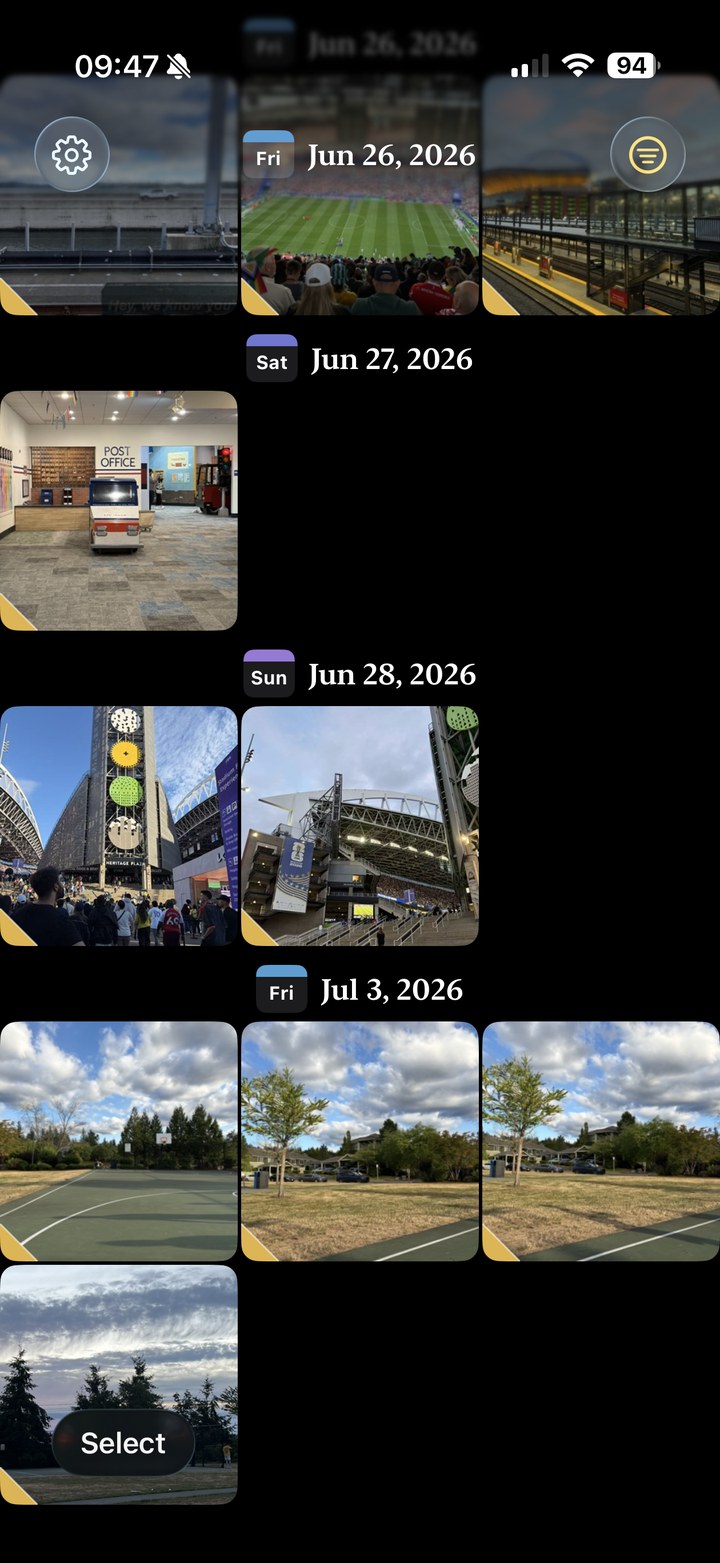
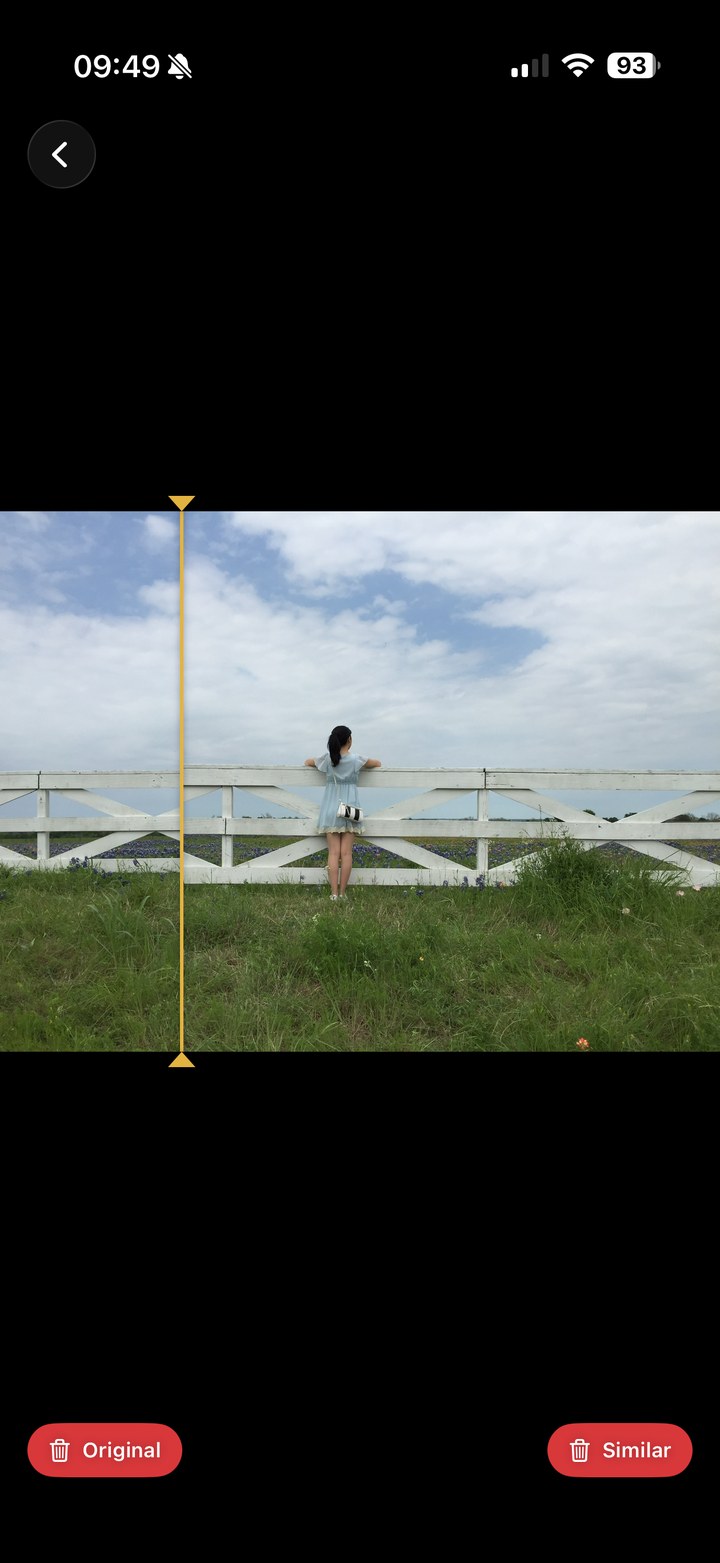
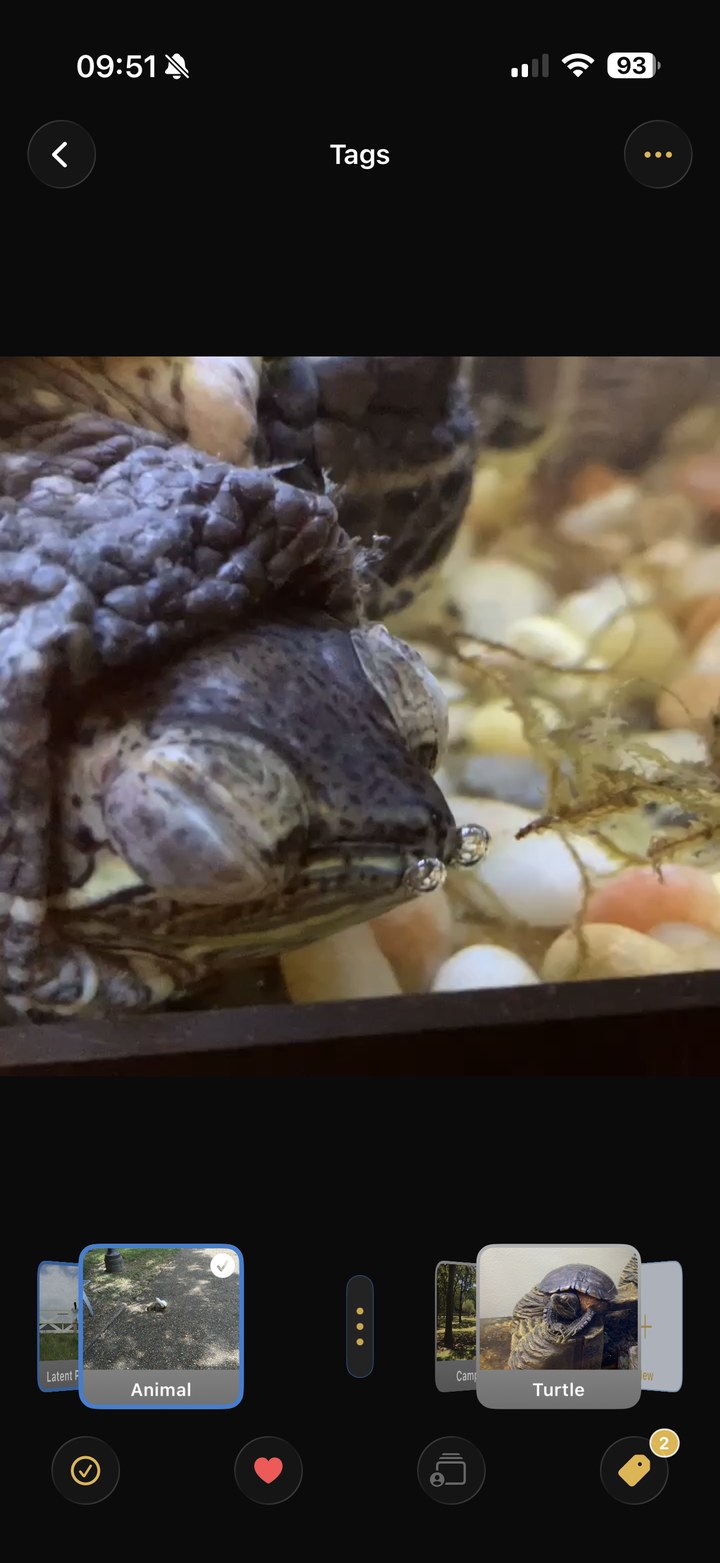
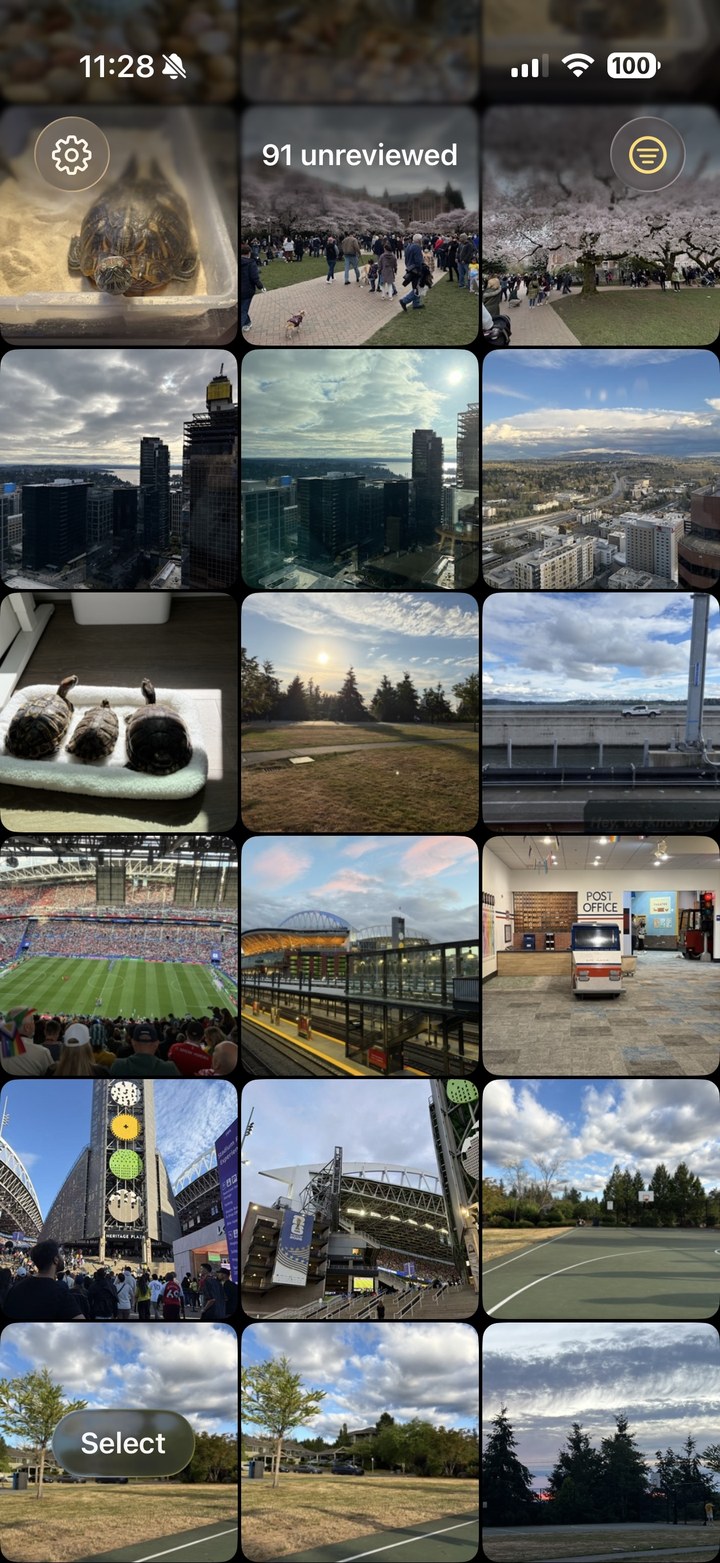
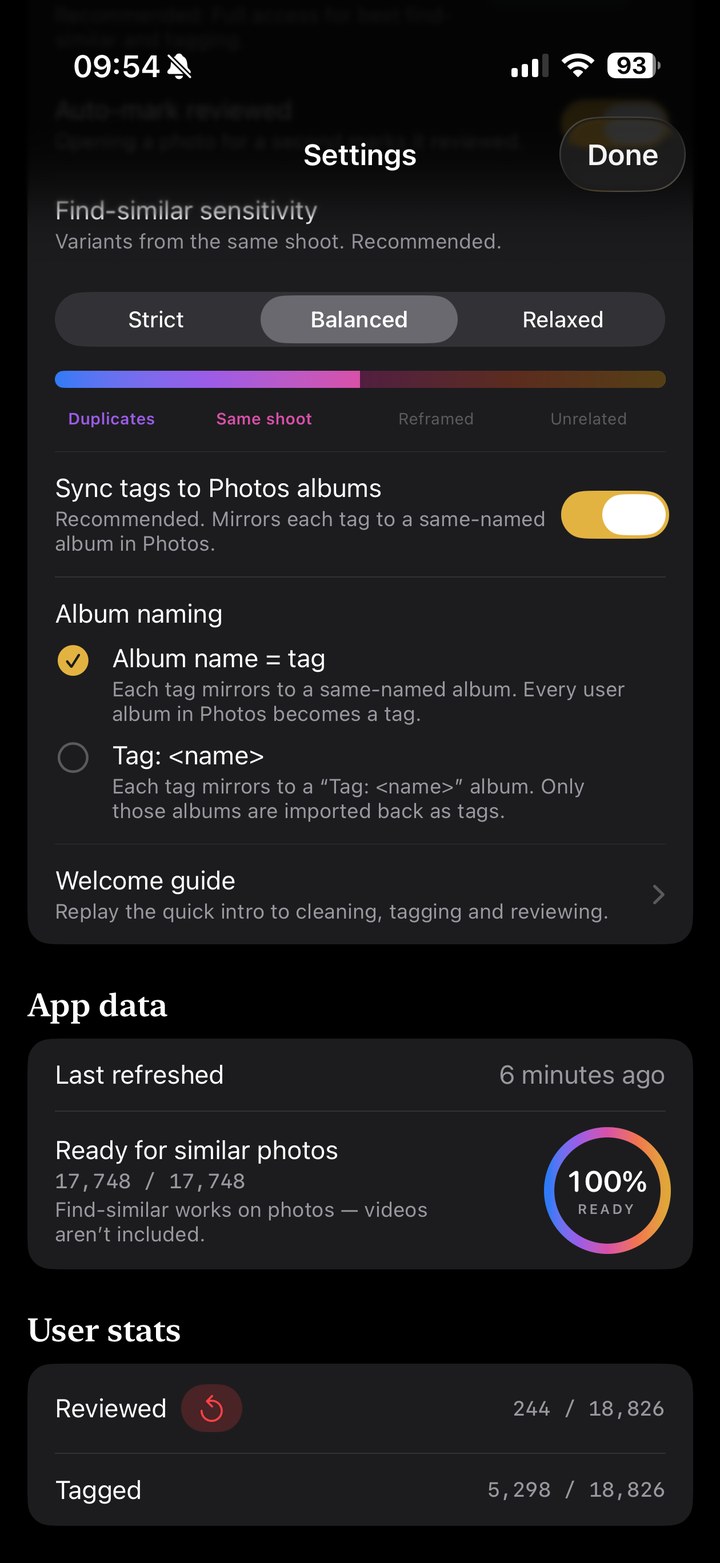
Real screens from the app, not mockups. Swipe or use the arrows
It lives on your phone. Full stop.
Privacy isn't a policy here. It's the architecture. There is no server to send your photos to, because we didn't build one.
- Yours alone. Photos never leave your iPhone; tags and progress sync through your own iCloud, never through us.
- No account. Nothing to sign up for. Open it and go.
- No hidden traffic. The only network activity is iCloud: iOS fetching your own originals, and your review progress syncing to your own account.
- No ads, no analytics. No tracking, no profiles. You're the customer, not the product.
- Syncs with Apple Photos. Tags become real albums; deletes go to your normal Recently Deleted.
No AI deciding for you.
Latent Photos works the classic way: you look, you choose, by hand. Automation only speeds up the busywork. It never deletes, never files, never overrides you.
Every photo passes by you
A fast, calm review flow. Keep, skip, or tag, one clear decision at a time.
Your tap, or nothing
No photo is deleted, moved, or filed without you. Automation drafts; you sign off.
Your call stays put
A tag you set is never re-guessed and never overridden. Decided means decided.
Tracked to the last photo
See what you've reviewed and what's left. 100% means 100%. Nothing slips through.
A manual workflow made fast, not an algorithm made to guess. Anywhere automation can't clearly help, we left it out.
$10. Once.
Your library pushed you onto a bigger iCloud plan you now pay for every month. That's backwards.
Ten dollars is about one month of the 2 TB iCloud tier a bloated library forces on you. Pay it once, take your library back, and maybe drop that tier for good.
- One-time $10
- Updates included
- No subscription, no account, no ads
Your photos never leave your phone.
Everything runs on-device. We don't collect, transmit, or sell your photos or any personal data; the only place anything is kept outside your phone is your own iCloud, which we cannot read. Read our privacy policy; it's short, because there isn't much to disclose.
Questions
Does it replace Apple Photos?
No, it's a companion. Apple Photos stays your library; Latent Photos adds the jobs it's weak at: near-duplicate cleanup, your own tags, and a tracked review flow.
Will it delete photos without asking?
Never. Every delete is your tap, and it goes to the normal Recently Deleted, recoverable, exactly like deleting in Apple Photos.
Is it really private?
Yes. Everything runs on your iPhone. No server, no account, no analytics. The only network traffic is iCloud: iOS fetching your own originals, exactly as Apple Photos does, and your review progress syncing to your own iCloud account, which we cannot read.
What happens to my tags?
Each tag becomes a real Apple Photos album, so it syncs through iCloud and survives reinstalls and new iPhones. Prefer a "Tag:" prefix, or keeping tags local-only? Both are options.
How much does it cost?
A one-time $10. Updates included, and no subscription. That is about what a single month of the 2 TB iCloud tier costs.
When can I get it?
Right now. It's on the App Store for iPhone and iPad. A desktop version is on the way.